
Blocking all ads on an Android device can significantly enhance your browsing and app usage experience by eliminating intrusive, annoying and potentially malicious advertisements.
There are several methods to achieve an ad-free experience on Android, ranging from using ad blocker apps to modifying system settings.
Here’s my quick tips on how to block all ads on Android devices, all of which I use it have used with success:
Ad Blocker Apps:
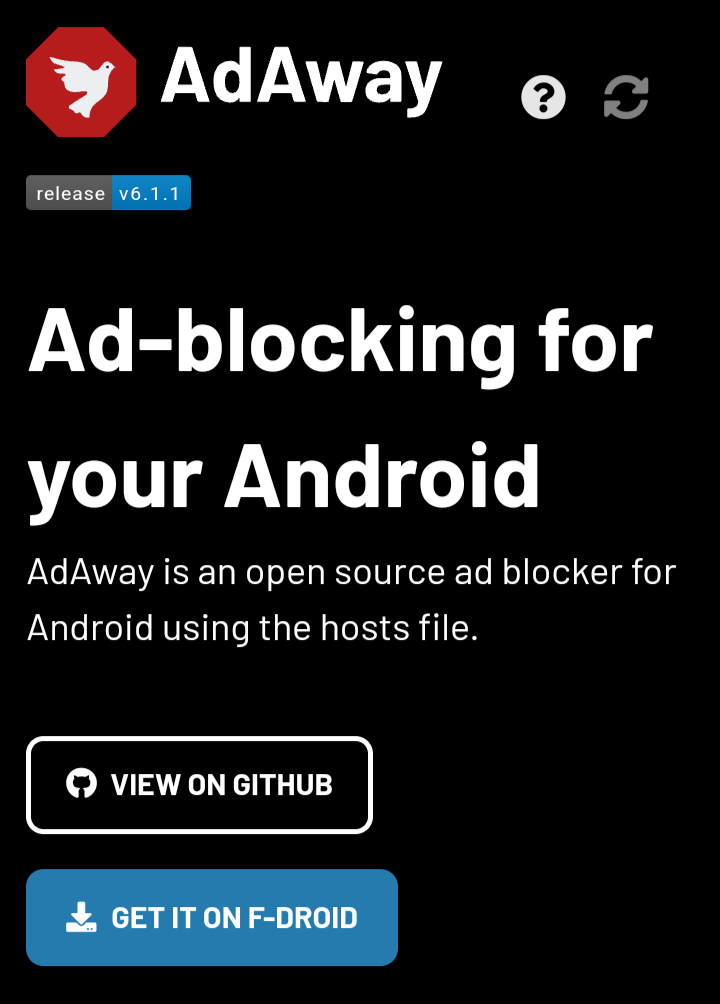
AdAway (Root Only): AdAway is a popular choice for rooted devices. It modifies the host file to block ads across the entire system, including in apps and browsers.
Requires root access. Not available on the Google Play Store.
Download:
AdGuard: AdGuard offers a comprehensive ad-blocking solution that works on both rooted and unrooted devices. It filters web traffic and blocks ads in apps and browsers. For non-rooted devices, it operates by setting up a local VPN service that filters out ads. AdGuard also provides privacy protection features.
DNS66: DNS66 creates a VPN service on your device to block ads by filtering DNS traffic. It’s effective for non-rooted devices and has a minimal impact on battery life. DNS66 is available for free on F-Droid.
Blokada: Blokada is another VPN-based ad blocker that works without root. It blocks ads and trackers across all apps and is known for its user-friendly interface. Blokada is also available on F-Droid[3][6].
Modify DNS Settings
Private DNS with AdGuard: Android 9 (Pie) and later versions support changing the Private DNS settings to block ads across the entire device. You can set the Private DNS in your settings to dns.adguard.com to filter out most ads without needing to install any additional apps.
